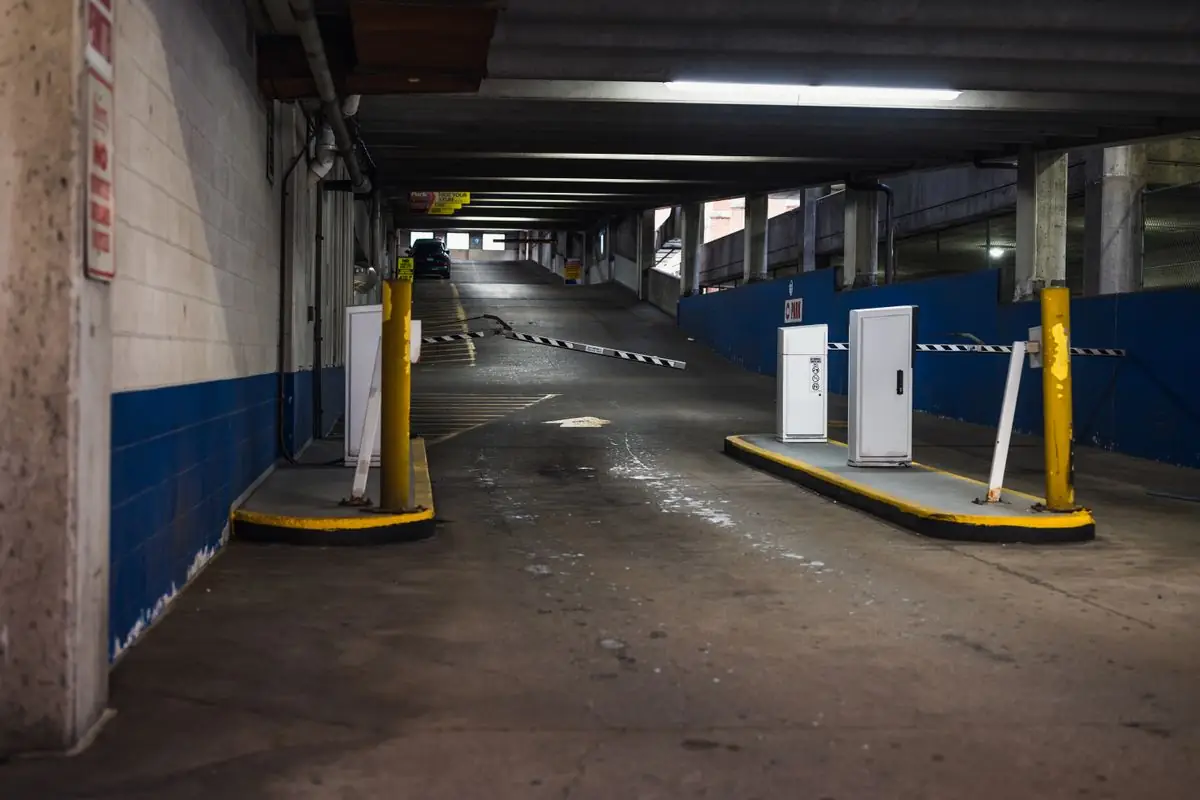
MSTAR Access · Access control
Access security management for your building
Control the access rights of staff and contractors; keep the history with its video and total up attendance by shift automatically.
MSTAR Access solves the security problems at the gate.
-
A leaver still gets into the store
Minh left the company on Friday. Admin deleted his card at the main gate but forgot the store door. On Monday, Minh taps his card into the store as usual.
MSTAR Access: When someone leaves, one click locks their card at every door.
-
One card, two people in
Lan taps into the office, then passes her card through the door to a friend outside, who taps in too. A laptop goes missing that day; the log shows only Lan, and nobody knows who the other person was.
MSTAR Access: A card that tapped in must tap out before it can enter again, so one card cannot let two people in.
-
Goods missing, nobody to blame
In the morning the store reports missing goods. Security knows someone went in around 10 pm, but it takes the whole morning of scrubbing camera footage to find them.
MSTAR Access: Open the 10 pm card tap and the camera clip of that moment is right there, in seconds.
How does MSTAR Access work?
At each of worker B’s taps, the controller checks the card, the shift and the area right before opening. Select a step to see the screen at that point.
Worker B · card 0233 · Workshop B · shift 1 (06:00–14:00)
Reading the card…
- Card
- 0233 · Worker B
- Shift
- Shift 1 · 06:00–14:00
- Allowed area
- Workshop B
- Shift start
- 05:41:12
Right shift · gate opens
Reading the card…
- Card
- 0233 · Worker B
- Area
- Workshop B · shift 1 schedule
- Through the gate
- 05:41 · lane 2
- Passback check
- Passed · the card is inside the plant
Allowed in · door unlocks
Reading the card…
- Rule
- Two people · within 10 s
- Card 1
- 0233 · Worker B · 10:15:04
- Card 2
- 0118 · Team leader C · 10:15:09
- Who may enter the store
- Team leader C
Two cards · door unlocks
Reading the card…
- Card
- 0233 · Worker B
- Shift start
- 05:41
- Shift end
- 14:06
- Time worked
- 8 h 25 min
Shift ended · timesheet updated
| Time | Place | Product | Result |
|---|---|---|---|
| 05:41 | Worker gate · lane 2 | MSTAR Access | Shift 1 in |
| 05:47 | Workshop B door | MSTAR Access | Into the workshop |
| 10:15 | Materials store | MSTAR Access | Store opened · with team leader C |
| 14:06 | Worker gate · lane 3 | MSTAR Access | Shift out · 8 h 25 min |
Planned design · sample data
Illustrative dataHow does MSTAR Access handle incidents?
Doors, visitors, cameras and timesheets on one monitoring screen. Select a situation to see the system respond step by step.
Three security layers work together, and the controller decides whether a door opens.
MSTAR Access is a web application: software and data sit on a server, operators work in a browser, and door controllers store their configuration and decide on the spot.
- Change rights and schedules
- Watch the dashboard and map
- Approve visitors, lock timesheets
- Stores cardholders, rights, events
- Syncs configuration to the doors
- Backups, audit log
- Keep the synced configuration
- Decide whether to open
- Send events to the server
- 1 Browser An admin grants Workshop B to the shift 1 workers Access level · Workshop B · shift 1
- 2 MSTAR Access server The server stores the change and logs it Audit · admin.ha · 14:22
- 3 Door controllers The configuration is synced to the controllers Config sync · 12 controllers
- 4 Door controllers A worker taps a card; the controller checks rights and schedule, and opens Card 0418 · Worker gate lane 2 · Open
- 5 MSTAR Access server The access event goes back to the server Event · 05:47:12 · In
- 6 Browser Dashboard, door status and timesheet update Shift 1 timesheet · +1 tap
One system for every door and everyone who comes in.
One cardholder, one set of rights, one log across every module. A change of rights is applied once to gates, visitors and cameras.
-
Access & attendanceCardholders, rights, controllers, timesheets Core
- Cardholders, cards, dynamic QR, temp codes
- Access levels, schedules, anti-passback
- Controllers, door status
- Timesheets, shifts, pay periods
-
Visitors & contractorsInvitations, reception, approvals
- Invite ahead with a temporary QR code
- Reception check-in and check-out
- Profile and photo approval before access
- Contractors by contract
-
Linked camerasVideo tied to every access event
- Linked surveillance cameras
- Interactive map, second-screen view
- Alert centre
- Time-limited view links
- Threat level for the whole site
- Fire zones mapped to controllers
- Fire incident reconciliation report
- Two-person rule per door
- Rule and conflict simulation
- Spaces: buildings, floors, floor plans
- Roles, permissions, user groups
- Integrations, automation, notifications
- Reports, audit log, retention, backup
Rights by group, area and working schedule.
Change a schedule once and every door in the area follows.
Four rules for high-security areas
- Anti-passback, interlockBlocks card sharing and exit without entry; two interlocked doors never open together.
- Two factors at the doorCard plus PIN for server rooms, stores and safes.
- Two-person ruleThe door opens only when two authorised people both authenticate.
- Dynamic QR and temp codesThe code changes over time and expires automatically; a screenshot of it will not work.
Switch the security mode of the whole site from one screen.
Select a threat level to see how each door responds. On a fire alarm, doors follow the fire zones they are mapped to.
- Worker gate Shift schedule
- Office lobby Schedule
- Materials store Two-person rule
- Visitor gate Appointment times
Test a rule before it goes live
Write an "if… then…" rule and simulate it to see which doors it affects and which rules it conflicts with, before it goes live.
- Worker gateApplies
- Materials storeApplies
- Office lobbyApplies
- Escape door · Workshop BConflict
Conflicts with the zone 3 fire rule: on a fire alarm the escape door must open. The fire rule takes priority.
Opening doors on fire is a life-safety function: it needs wiring to the fire alarm panel and acceptance under fire-safety regulations.
Illustrative dataHow many gate lanes does a shift change need?
Enter the headcount and the length of the shift change; the result includes one spare lane.
Data kept safe, legal peace of mind.
Vietnam’s Personal Data Protection Law 2025 applies from 1 January 2026. Compliance rests with the organisation using the software; MSTAR Access provides the tools to meet it.
- Retention and deletion Set how long each kind of data is kept; it is deleted when the time is up.
- Audit log, data log Who viewed, changed or exported data, and when.
- Profile and photo approval Visitor photos and profiles are approved before access is granted.
- No biometrics required Cards, QR codes and PINs are enough. Faces are sensitive data under the 2025 law.
Most effective where peak hours happen every day.
 Placeholder image · Illustrative data
- Shift changes on schedule, card sharing blocked
- Timesheets straight from access events
- Contractors only enter the zones in their contract

Compared with card systems and the software that ships with the hardware.
| Criterion | Cards, paper log | Hardware vendor software | MSTAR Access |
|---|---|---|---|
| Access by zone, schedule | Per card, edited by hand | Per door | By group, zone, schedule; change it once |
| Visitors, contractors | Paper log, ID kept | Usually separate software | Same software, temporary QR |
| Cameras | Viewed separately | Viewed separately | Opened from an access event |
| Attendance | Separate time clock | File export | Timesheets from access events |
| Emergencies | Phone calls, manual unlock | Door by door | Threat level for the whole site |
| Personal data | Log book open on the desk | Depends on the vendor | Retention, audit log, auto-delete |
Frequently asked questions.
MSTAR Access is a web application: the software and data sit on a server, and people open it in a browser on any computer. Door controllers keep the synced configuration and decide at the door. Where the server is hosted is agreed during the survey.
MSTAR Access uses cards, dynamic QR codes, temporary codes and PINs. A face is biometric data, a sensitive category under Vietnam’s Personal Data Protection Law 2025, so it is not required.
Not at any site yet. Figures marked "Estimate" are worked out from the specifications of hardware in the same class and from research abroad. MSTAR measures again in a pilot and replaces them with the measurement, even when it is worse.
The configuration is synchronised to the controllers, so each controller decides at the door. How long a change of rights takes to reach the controller depends on the device; MSTAR engineers state it during the survey.
The list of brands and models of the readers, controllers and gates comes with the quotation.
It depends on the devices. MSTAR engineers check the installed devices against the catalogue by brand and model during the survey.
No. Vietnam’s Law on Identification 2023, Article 7(2), forbids holding identity cards against the rules. Visitors get a temporary QR code instead of swapping their ID for a visitor card.
The doors in the fire zone mapped to their controllers; a reconciliation report follows the incident. This needs wiring to the fire alarm panel and acceptance under fire-safety regulations.
By the number of doors, lanes and devices. The quotation is issued after the survey.
Pilot MSTAR Access on one gate of the site.
MSTAR SYSTEMS engineers survey the site, propose a configuration and measure the results with the operations team during the pilot.
Or call our hotline 1234567890